— For schools
Digital skills for students, through their school.
The FirstClick Student Program gives students the everyday phone, computer and online-safety skills they need: how to use a computer properly, keep their accounts safe, and spot a scam before it costs their family money.
It runs through the school, and it is quick to set up. We set the school up once. Teachers make a class code, and students sign up in class with that code, with their teacher beside them. Every student gets the whole course at no charge.
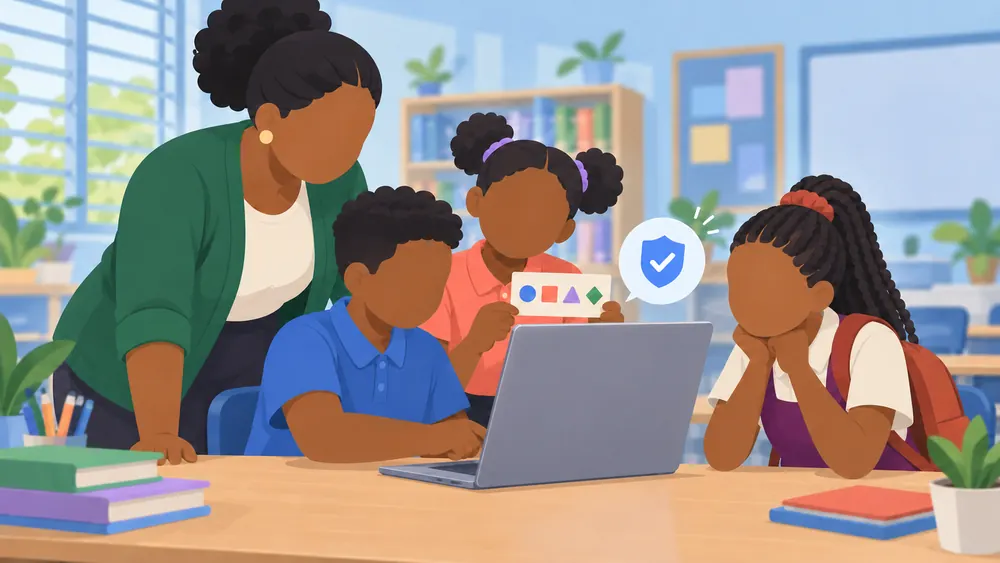
Student accounts are kept simple and safe: no email address, no payment pages, no newsletters or marketing, and no AI helpers. Once signed in, students see only their lessons, certificates and Help.
Students learn the same two courses as everyone else, Computer Skills and AI, Scams and Online Safety, in plain English with Caribbean examples. Teachers and parents can try a free lesson first.
Student sign inStudent sign up (with your class)Ask about the Student Program
— Student access
Ages 8 to 11
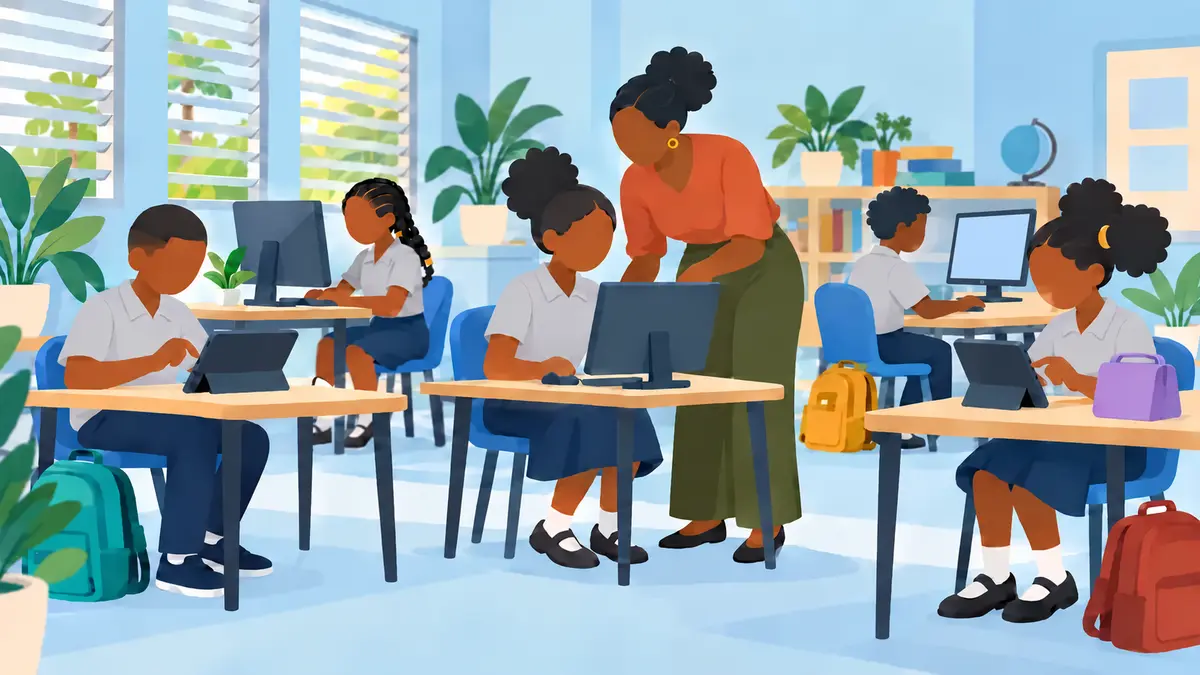
For primary students, learning with a teacher or parent close by. They start at the Beginner level of both courses: the basics of using a computer and a phone, and the first steps to staying safe online.
Lessons are short, one step at a time, and can be repeated as often as they like.
— Student access
Ages 12 to 17
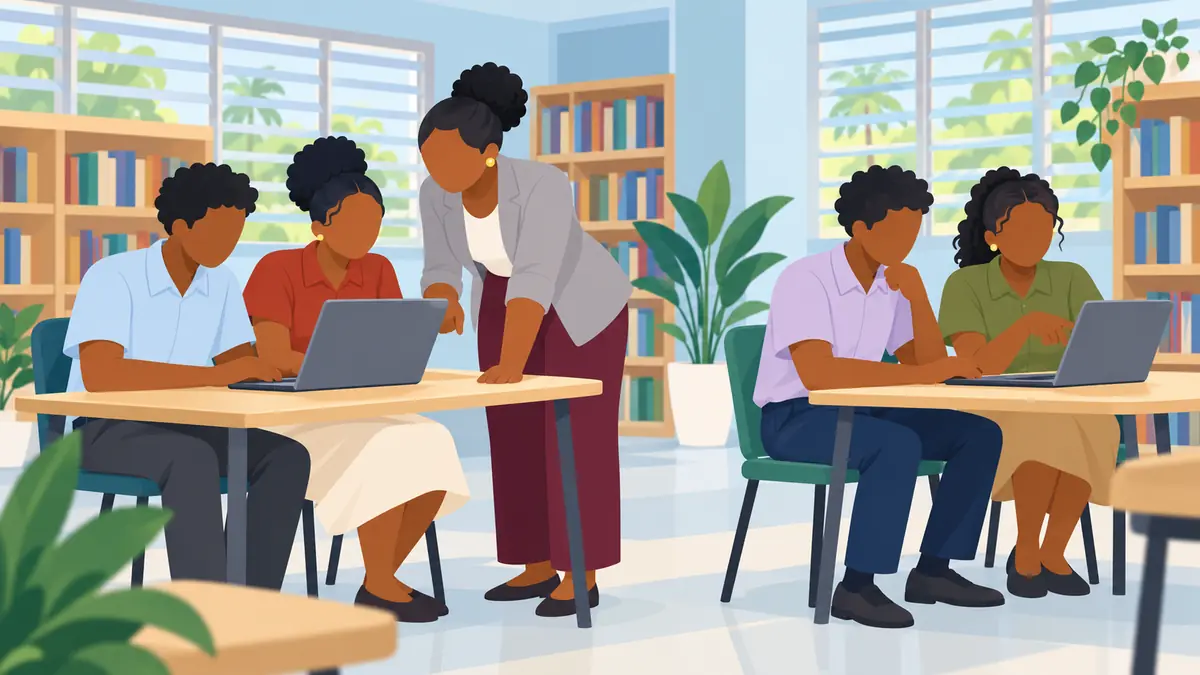
For high-school students who use phones and laptops every day. They can work through both courses at their own pace, from Beginner upward, including the online-safety lessons on scams, privacy and knowing when something is not right.
Lessons are short and can be repeated as often as they like.
How a school joins
- Contact us through the Contact page with the school’s name and the teacher who will lead the program. We set the school up and email that teacher a link to the teacher page.
- The lead teacher confirms consent once. On the teacher page, they confirm for the school that a parent or guardian signs our consent form for each student before the student signs up. The school keeps the signed forms. Then they add the other teachers.
- Each teacher makes a class code and prints the one-page join sheet for the class.
- Students sign up in class, with their teacher beside them: the class code, their name, their age group (8 to 11 or 12 to 17), a username and a PIN they choose (4 numbers for ages 8 to 11, 6 for ages 12 to 17). Or the teacher adds the whole class at once, and each student chooses their PIN the first time they sign in. They start learning straight away.
- Teachers stay in charge. The teacher page shows each student’s progress on a dashboard, and lets the teacher reset an account when a PIN is forgotten, unlock it, pause or terminate a student, or fix a name or age group. Teachers get a notice when a student finishes a course.
Our privacy notice explains what we keep about students and why.