— How it works
Six steps, start to certificate
-
Create your account
You give your first and last name, an email address you can open yourself and your mobile number. There is no password to remember: after you confirm your email, you choose a 6-digit PIN.
Your full name matters. It is printed on every certificate you earn, and you cannot change it yourself afterwards. Use the name an employer would expect to see on an identification document.
Your username comes later. After your first sign-in we ask you to choose one, something like tanisha.b, so you can sign in with it or with your email address. Other learners never see it. Avoid using your full email address as your username.
Your PIN is 6 numbers you will remember. Not your birthday, and not easy patterns like 123456 or 111111; the page warns you if a PIN is too easy to guess.
Never share it. Not with a friend, not with a family member, and never with anyone who calls or messages claiming to be from FirstClick. We will never ask you for your PIN. A shared PIN means someone else can take your certificate, change your email and lock you out of your own account.
-
Confirm your email
We email you a 6-digit code and a Confirm my email button. Use either one, then choose your PIN.
Why we do this. It proves the address is really yours, so a typed mistake does not send your certificate and receipts to a stranger.
Two ways to confirm. Type the code on the screen where you started, or press the button in the email, even on another phone or computer. The code and the button work for 10 minutes. If the email has not arrived in a minute, check your junk or spam folder, then ask for a new one.
Then choose your PIN. Type it twice. You are also asked whether this is your own phone or computer: say yes, and next time you sign in here with just your PIN.
A code is never shared. If anyone contacts you asking for the code you just received, that is a scam, every time. We will never ask for it.
-
Pay your registration
A one-time J$3,500 registration opens your account and both Beginner levels. Certificates come when you complete a whole course.
What it covers. Your account, your saved progress on every device, and the Beginner levels in both courses. It is paid once, not every month. A certificate comes when you complete all three levels of a course, each of them paid for.
How you can pay. Card, mobile wallet, a course code from an employer, church or school, or a payment link you send to family here or overseas.
Your card details never reach us. Payment happens on the provider's own secure page. FirstClick does not see or store your card number.
-
Sign in safely
On your own phone or computer, you sign in with just your PIN. On a new one, you type your email or username, a code we email you, then your PIN.
Like a banking app. Your PIN only works on the phones and computers you have approved. Someone who learns your PIN still cannot sign in from their own device without the code we email you. Five wrong PINs on a device remove its approval.
New phone or computer. Type your email address or username, then the code we email you, then your PIN. We email you whenever a new device is approved, and you can see and remove your devices in My profile.
Face or fingerprint. If your phone or computer has it, you can turn it on and sign in with a touch or a glance. Your face or fingerprint never leaves your device.
An optional extra. The authenticator app adds a code from your phone as a second check. It is mainly for people who still sign in with a password. A short lesson shows you how to set it up, at any time.
Forgot your PIN? Press Forgot your PIN on the sign-in page. We email you a code, then you choose a new PIN.
Never read a code aloud to anyone. Not to a caller, not to a message. No genuine organization asks for one.
-
Learn at your own pace
Short lessons, each with steps for your device, a practice activity and a quiz.
Nothing is timed. There is no class to keep up with and nobody watching. Repeat a lesson as many times as you like.
Your place is saved after every screen. Close the page on the bus, open it that night at home, and carry on where you stopped.
Choose your device. Lessons that differ between iPhone and Android, or Windows and Mac, let you pick, so you only read the steps that match what is in your hand.
Quizzes teach, they do not catch you out. Every answer explains why it is right or wrong, so a wrong answer still leaves you knowing something new.
-
Earn your certificate
Pass every quiz in a level and the course completes itself.
Nobody can mark you complete by hand. Not you, not our staff. It happens only when the quizzes are passed, which is what makes the certificate worth showing.
What is on it. Your name, the course, the date, a seal, and a verification code. Add a photo in your profile and it appears beside your name.
You control who can check it. Give the code to an employer, or create a personal code for one named person. You can switch verification off or cancel a code at any time.
Nobody can look you up. Certificates cannot be searched by name, so only someone you gave a code to can confirm anything.
What a lesson looks like
Plain steps
Choose iPhone or Android and see only your own steps.
A local example
A real Jamaican situation, so it makes sense straight away.
Try it yourself
A short practice activity, with a hint when an answer is wrong.
— Worth showing
Your certificate
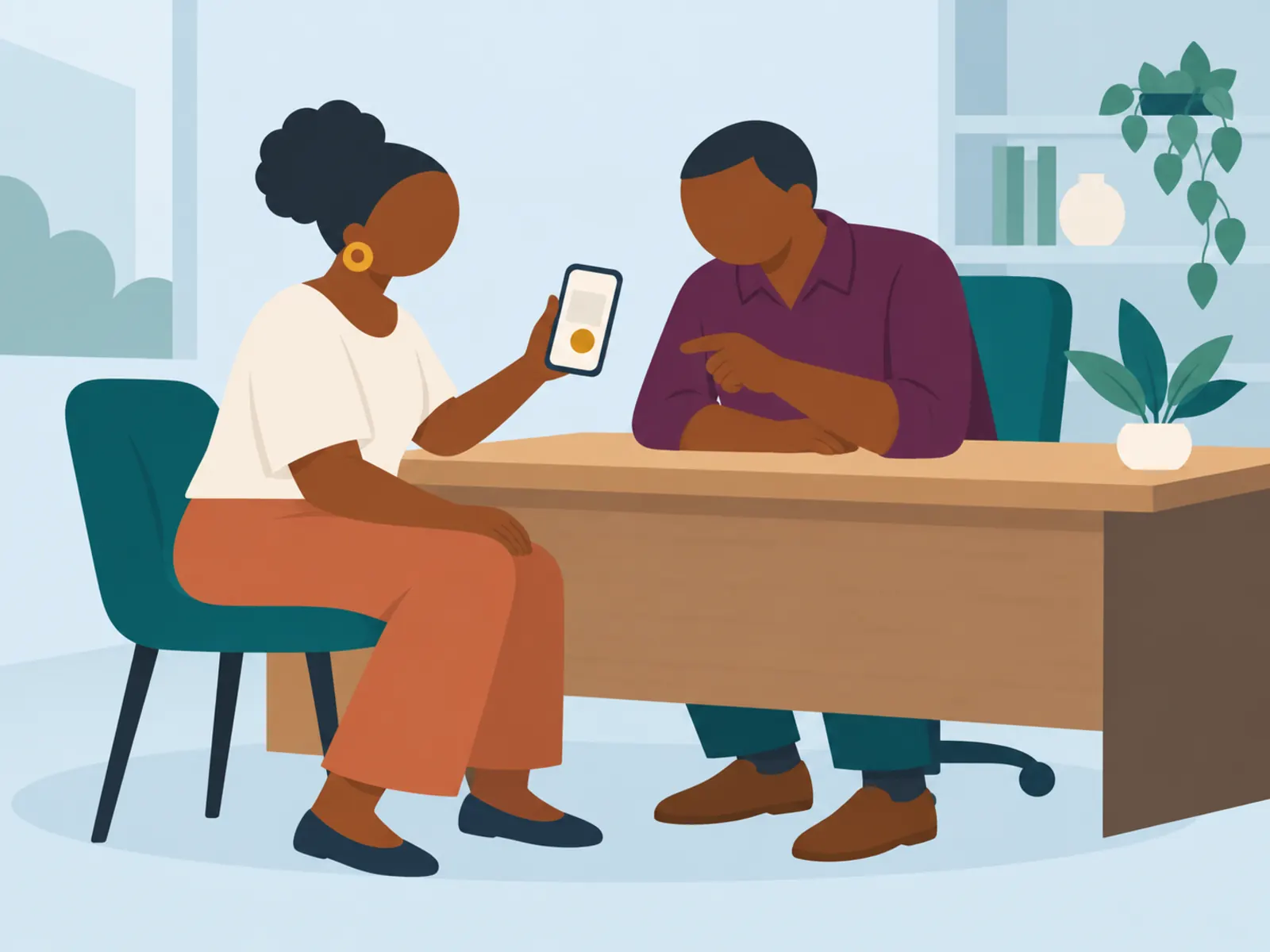
Each certificate carries your name, the course, the date, a seal and a verification code. Add a photo in your profile and it appears beside your name, so an employer can match the certificate to the person in front of them.
- Post it to LinkedIn, Facebook or WhatsApp in one tap or click
- An employer confirms it with a code, with no account needed
- Issued only when every quiz in the level is passed
Some of what you will learn
Tap any of these to peek inside: three real steps from the lesson, with pictures, and a question to try.
Email on your phone
Spreadsheets and formulas
Building a presentation
Saving to a USB drive
Removing it safely
Spotting a scam
Passwords and codes
Google Drive and OneDrive
— Tell us what to teach
Cannot find what you need?
Tell us what you want to learn. Many of our lessons start with a question from a learner, and we will let you know when yours is ready.